
As an indie developer, I often find myself switching between different kinds of work.
One moment, I'm writing code. The next, I remember a bug I haven't fixed yet. Sometimes I'm checking my website's SEO performance when a new feature idea suddenly pops into my head.
Then there are GitHub issues, user feedback, product updates, and all the little things I need to remember throughout the day.
None of these tasks is particularly complicated on its own. But if I stop what I'm doing every time something else comes to mind, my entire day can quickly become fragmented.
Over time, I've realized something:
I don't always need a more powerful productivity system. Sometimes, I just need to know what I should be working on right now.
That's one of the reasons I like using desktop sticky notes.
I built PinSlip, a free and open-source desktop sticky notes app, originally to solve some of my own everyday problems. As I've continued developing and using it, I've also developed a few simple habits that help me stay focused.
This isn't a guide to squeezing maximum productivity out of every minute.
It's simply how I use sticky notes for work to reduce unnecessary distractions and make it easier to concentrate on what's in front of me.
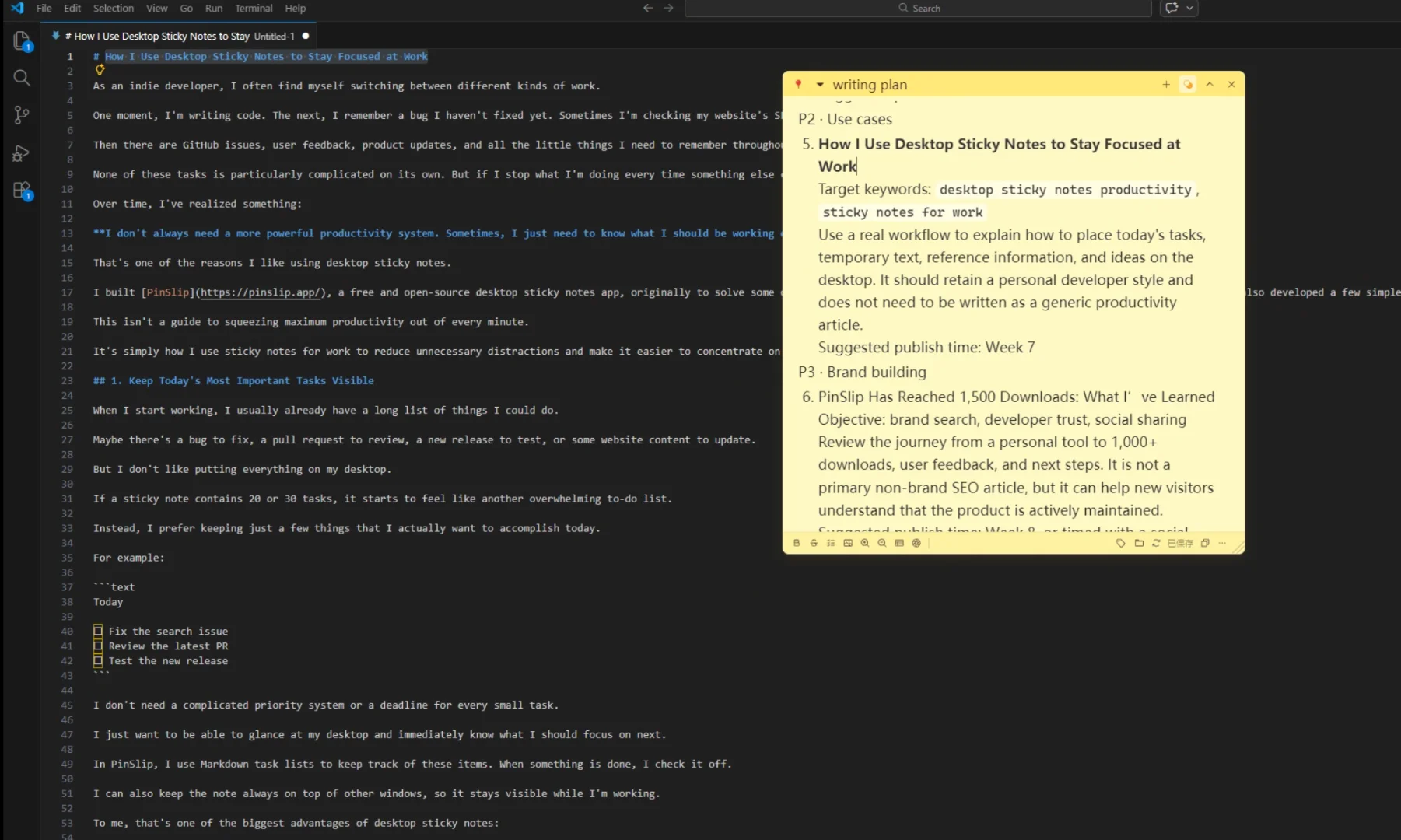
1. Keep Today's Most Important Tasks Visible
When I start working, I usually already have a long list of things I could do.
Maybe there's a bug to fix, a pull request to review, a new release to test, or some website content to update.
But I don't like putting everything on my desktop.
If a sticky note contains 20 or 30 tasks, it starts to feel like another overwhelming to-do list.
Instead, I prefer keeping just a few things that I actually want to accomplish today.
For example:
Today

☐ Fix the search issue
☐ Review the latest PR
☐ Test the new release
I don't need a complicated priority system or a deadline for every small task.
I just want to be able to glance at my desktop and immediately know what I should focus on next.
In PinSlip, I use Markdown task lists to keep track of these items. When something is done, I check it off.
I can also keep the note always on top of other windows, so it stays visible while I'm working.
To me, that's one of the biggest advantages of desktop sticky notes:
I don't have to remember to open another app just to see what I need to do.
Of course, I don't put my entire project roadmap into sticky notes.
GitHub Issues and other project management tools are much better suited for tracking long-term tasks, development progress, and collaboration.
My desktop sticky notes serve a much smaller purpose: keeping my immediate priorities in sight.
2. Capture New Ideas Without Acting on Them Immediately
One of the easiest ways to lose focus is to have a new idea in the middle of something else.
For example, I might be fixing a problem in PinSlip when I suddenly think of something I could improve on Roblox IDs Hub, another project I'm working on.
It might be a good idea.
But it has nothing to do with the bug I'm currently fixing.
If I immediately open the browser, investigate the idea, and start thinking about how to implement it, I could easily lose 15 minutes or more.
And when I finally return to the original task, I have to figure out where I left off.
Sometimes, the biggest cost isn't the time spent exploring the new idea. It's the effort required to get back into the previous task.
So instead of acting on every idea immediately, I write it down.
With PinSlip, I can press Ctrl + Shift + N to open Quick Capture and quickly record whatever came to mind.
For example:
Ideas

- Improve the audio search experience
- Check a new SEO keyword opportunity
- Consider adding another note shortcut
Then I go straight back to what I was doing.
The ideas are still there. I don't have to keep them in my head, and I don't have to worry about forgetting them.
When I finish my current task or have some time set aside for exploring new ideas, I can come back to the list.
It's a very simple habit, but it works well with the way I like to work.
Not everything worth doing needs to be done right now.
3. Keep Temporary References Within Reach
When I'm developing software, there are often pieces of information I need to check repeatedly.
Maybe I'm debugging an API and need to reference some request parameters or response fields.
Or I'm updating a page and need to compare my changes against a short list of requirements.
These details probably aren't worth keeping forever, but I might need to look at them dozens of times over the next half hour.
Previously, I would leave them in a browser tab, a text editor, or a chat window.
The problem was that every time I needed to check something, I had to find the right window and then switch back to my code editor.
Each switch might take only a few seconds. But doing it repeatedly can make the whole workflow feel less smooth.
Now, I often put that kind of information into a temporary sticky note.
For example:
API Reference

Endpoint: /api/search

Parameters:
- keyword
- page
- pageSize

Check:
☐ Empty results
☐ Pagination
☐ Error handling
Then I place the note near the side of my screen.
I can keep coding while referring to the information without constantly switching windows.
And if something changes, I can edit the note directly.
This is also one of the reasons I wanted PinSlip to support Markdown.
For developers, temporary notes aren't always just plain sentences. Sometimes we need lists, code snippets, links, or a little formatting to make information easier to read.
A sticky note doesn't need to become a full document editor.
But it should make these small pieces of information easy to work with.
If you're interested in this setup, I've also written a guide on how to keep notes always on top of other windows.
4. Don't Let Sticky Notes Become Another Distraction
Of course, desktop sticky notes have their own problem.
If you have a dozen notes open at the same time, they can easily go from being helpful to becoming visual clutter.
I don't think everything needs to remain visible all the time.
Instead, I prefer keeping only the information I currently need on screen.
For example, I might have three kinds of notes:
Today — What I'm currently working on
This note usually stays expanded somewhere I can easily see it.
Reference — Information for the current task
I expand this when I need to check something and collapse or close it when I'm done.
Ideas — Things I want to revisit later
This note is mostly for capturing thoughts. It doesn't need to take up much screen space.
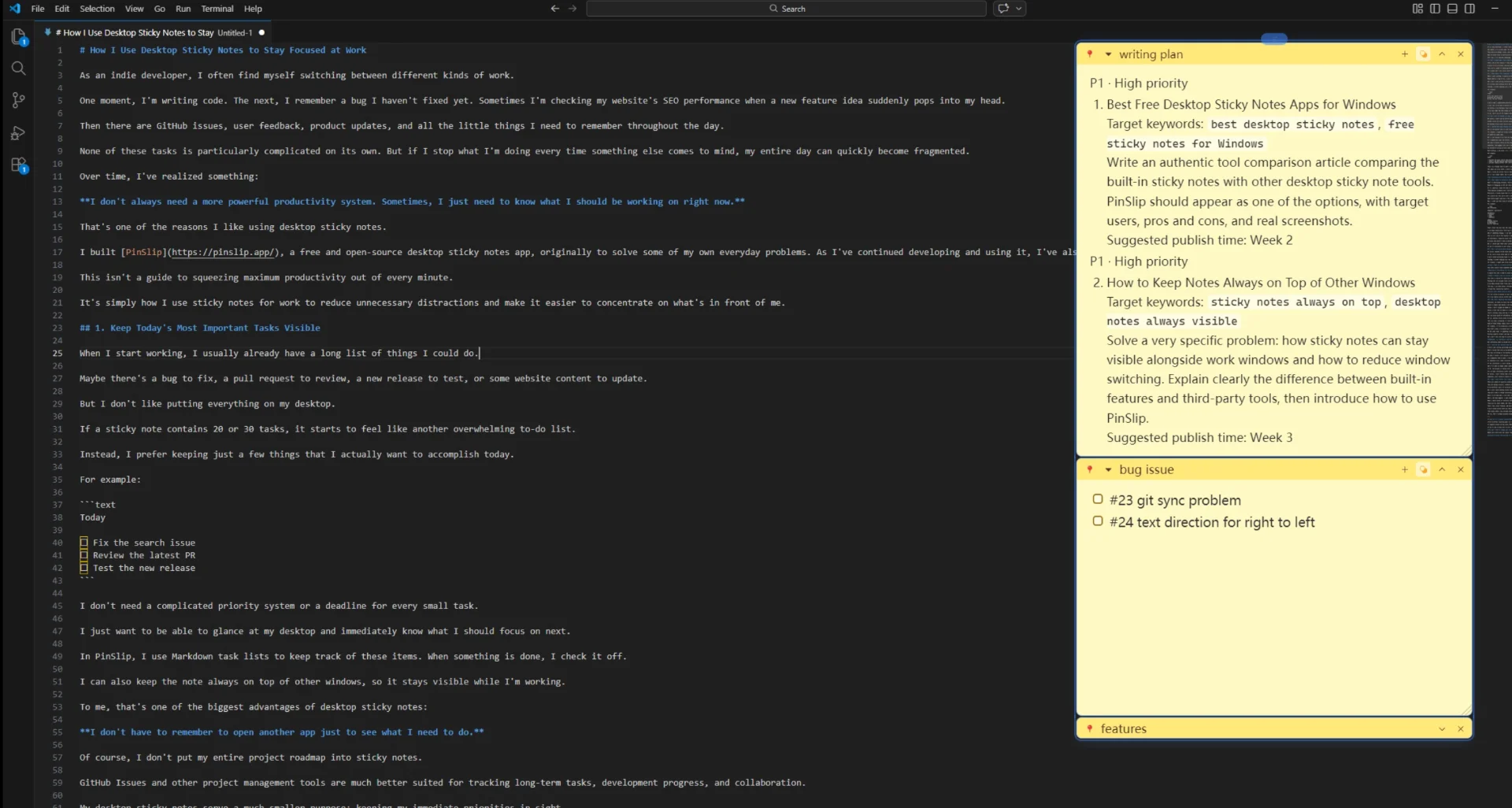
PinSlip lets me collapse notes into narrow title bars and snap them together when arranging them on the desktop.
I can keep related notes along one side of my screen, expanding them when necessary and collapsing them when they're not needed.
This way, I can keep useful information nearby without covering my entire workspace.
I think this distinction matters:
Sticky notes should help me focus, not constantly compete for my attention.
I'm not trying to display as much information as possible.
If I can clearly see my current task and the references I actually need, that's enough.
5. Not Every Temporary Note Needs to Become a Document
Sometimes, we spend too much time deciding where a piece of information should go.
Should a simple idea become a new document?
Should a short snippet be added to a knowledge base?
Should a tiny task be added to a project management system?
There's nothing wrong with any of those approaches.
But not every piece of information needs the same level of organization.
For me, desktop sticky notes are more like a temporary workspace.
They can hold a paragraph I'm rewriting, an idea I want to test, some temporary data, or a few tasks I expect to finish soon.
Some of these things simply aren't worth keeping long-term.
For example, if I'm preparing a product update, I might use a sticky note to collect a few key points, adjust the wording, and then copy the final text to wherever I'm publishing it.
Once that's done, I probably don't need the note anymore.
On the other hand, if something turns out to be useful in the long run, I can move it somewhere more appropriate.
PinSlip supports folders and tags for organizing notes, and stores note data locally.
But I don't feel the need to carefully categorize every single note I create.
Sometimes, it's perfectly fine for information to be temporary.
Not everything needs to become part of a permanent knowledge system.
6. Clean Up Your Desktop When You're Done
I don't like letting unfinished notes pile up indefinitely.
When a sticky note sits on my desktop for weeks without being touched, it gradually loses its value as a reminder.
And when everything on the desktop looks important, it becomes harder to tell what actually deserves attention.
So when I finish a work session, I try to clean things up a little.
If a temporary task is done, I can delete the note.
If something still needs attention, I can keep it for the next session.
If the information is worth saving, I can move it into a folder or a more permanent document.
And if an idea no longer seems useful, I don't feel obligated to keep it just because I wrote it down.
To me, the purpose of taking notes isn't to collect as much information as possible.
It's to make information useful when I actually need it.
Of course, I don't follow some strict daily cleanup ritual.
Sometimes, just closing a couple of notes I no longer need is enough.
7. Why I Still Prefer This Simple Approach
There are plenty of powerful productivity tools available today.
They can manage projects, schedule tasks, track progress, and even use AI to organize information automatically.
I use different tools for different purposes, too.
But I still think desktop sticky notes have a unique place in my workflow.
They don't need to manage everything, and they don't need to replace my other apps.
When I'm writing code, I just want to know what I should do next.
When a new idea appears, I want somewhere to capture it without interrupting my work.
When I need a piece of reference information, I want to see it without digging through multiple windows.
These are all small needs, but they come up almost every day.
That's why I built PinSlip, and why I continue improving it based on my own experience and feedback from other users.
I don't think sticky notes are some magical productivity solution.
They simply make a few everyday tasks easier and help me spend less time switching between things that don't need my immediate attention.
For me, that's already valuable enough.
Want to Try a Simpler Desktop Workflow?
PinSlip is a free and open-source desktop sticky notes app for Windows, macOS, and Linux.
It supports always-on-top notes, Markdown editing, task lists, Quick Capture, collapsible notes, and local-first storage.
If you'd like to keep your current tasks, temporary ideas, and reference information right on your desktop, give it a try.
You don't need to change your entire workflow or build a complicated productivity system.
Maybe just start with one simple "Today" note.